NWP Help
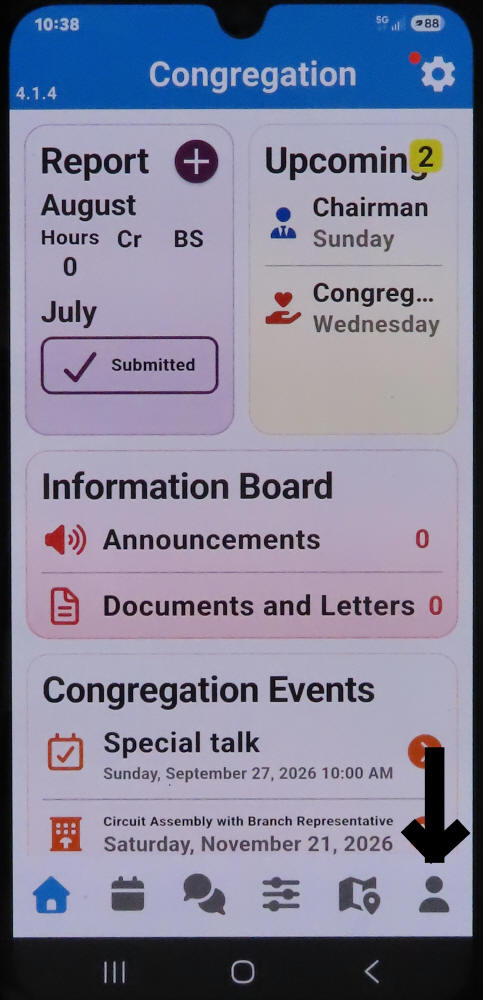 REQUEST A TERRITORY: After you open your NWP, Click on the little man at the bottom on the far right
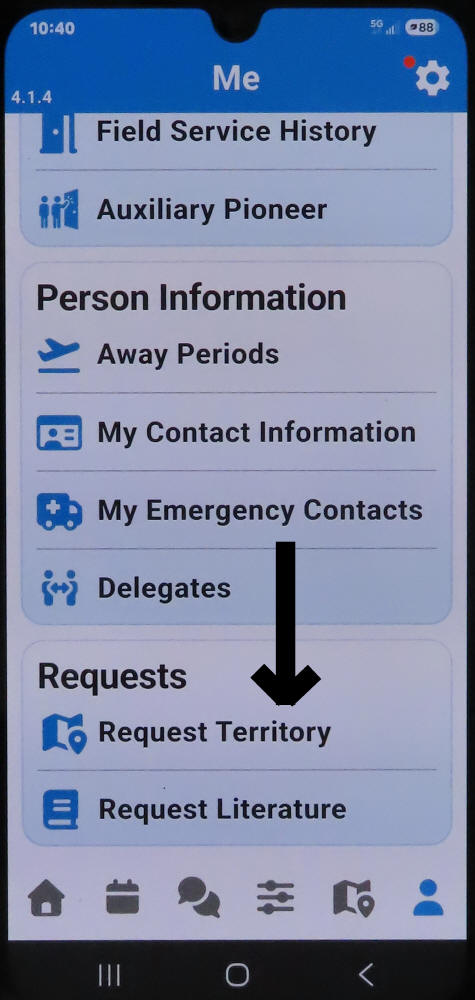 Then scroll down, this is a long page, once on the bottom click on Request Territory.
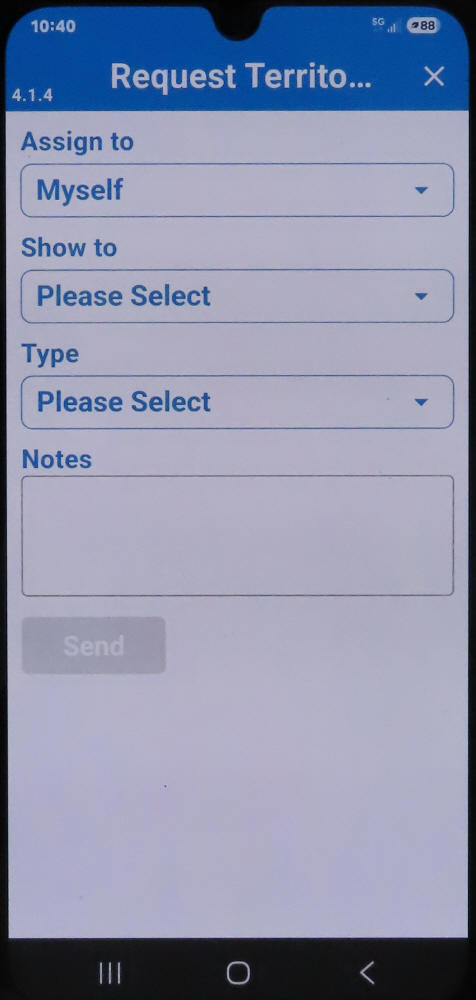 Click on all 3 boxes and select an item from each box and then click the Send button.
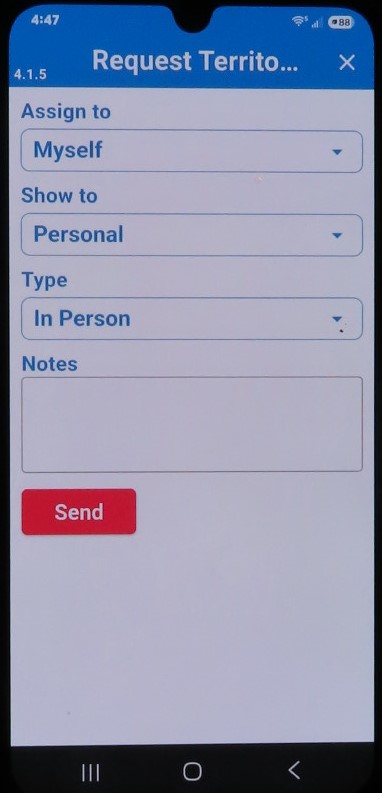 For personal, door to door territory pick the following
Assign to: Myself, Show to: Personal, Type: In Person
Or in the 3rd Link "Type" you can also select Letter Writing.
For personal, door to door territory pick the following
Assign to: Myself, Show to: Personal, Type: In Person
Or in the 3rd Link "Type" you can also select Letter Writing.
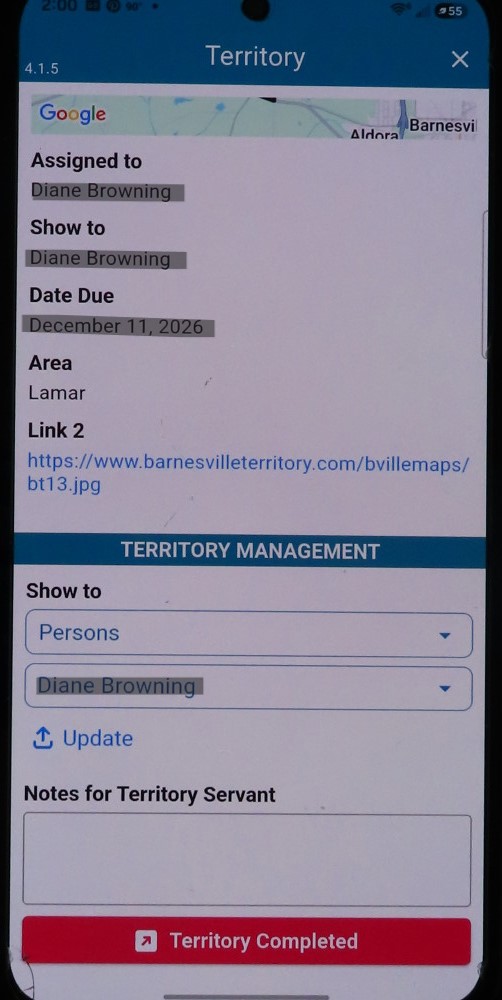 When you have completed working your territory, click the red box at the bottom "Terrritory Completed". Add any notes
End